
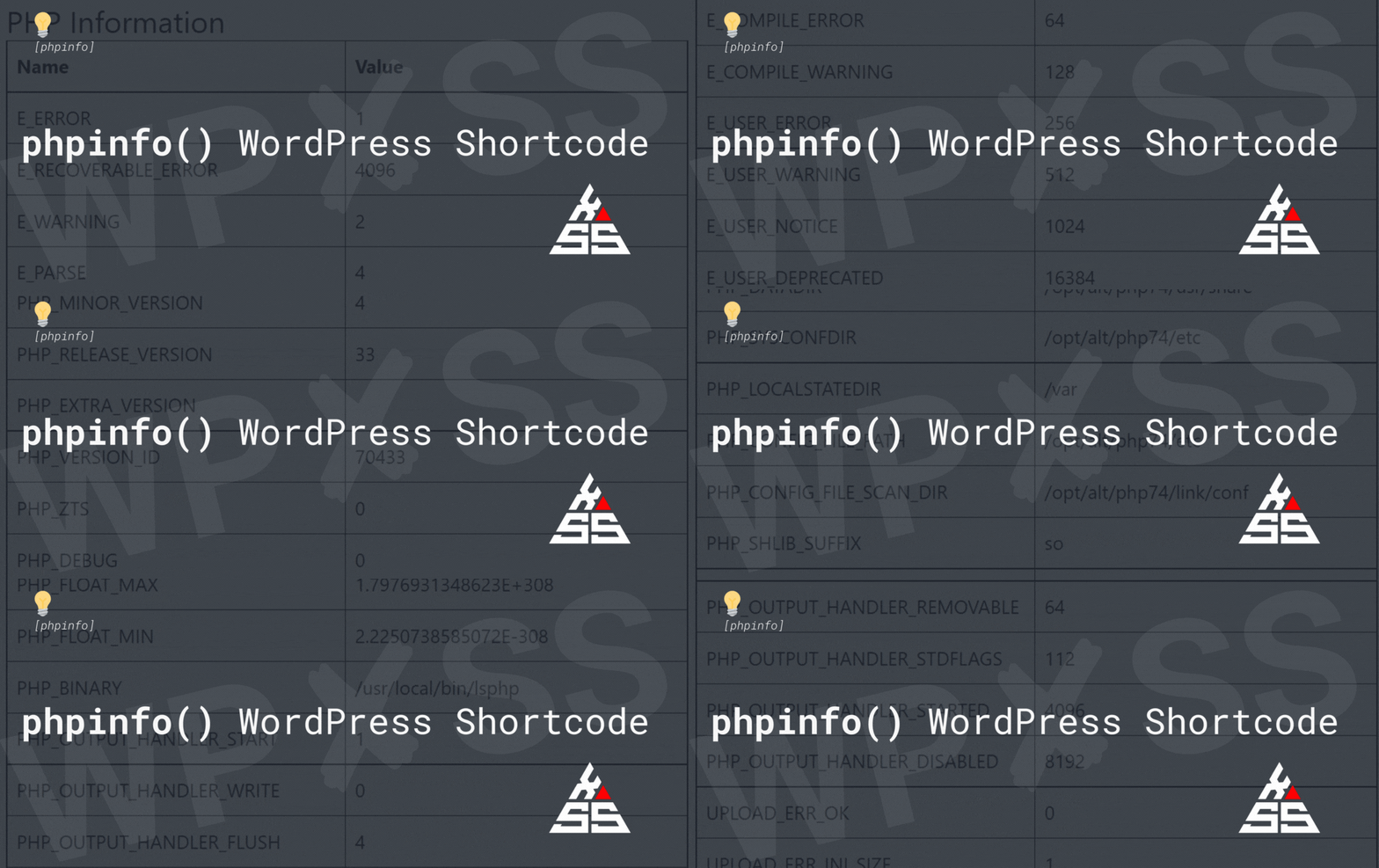
phpinfo WordPress Shortcode - phpinfo() WordPress Shortcode

phpinfo() WordPress Shortcode

Here is an example of a simple WordPress plugin that uses the [phpinfo] shortcode to display PHP information similar to what the phpinfo() function does: <?php /* Plugin Name: PHP Info Shortcode Description: Displays PHP information using the [phpinfo] shortcode. */ function phpinfo_shortcode_handler( $atts ) { // Build the HTML for the data $html = … Read full article →

create a new wp admin users - 5 Easy ways to Create a WordPress Admin user

5 Easy ways to Create a WordPress Admin user

Here are five different methods to create a new WordPress Admin user. In all of the examples below I will use the following username/password combination, so make sure to change it before running any of the commands: username123 change username123 with your username password123 change password123 with your password [email protected] change [email protected] with your email … Read full article →

The anatomy of great WordPress theme - The anatomy of great WordPress theme

The anatomy of great WordPress theme

There is no one WordPress theme in existence that can suit all websites. That is why there is a great variety of websites in existence in which, business owners, organizations, and bloggers can use. So, how do you go about choosing a WordPress theme that you will be certain that it will serve your business? … Read full article →

Display Slack status on WordPress - Display Slack status on WordPress

Display Slack status on WordPress

Here is a simple WordPress plugin that will display your current Slack status: 🔴 Offline or 🟢 Online Note: To use the Slack API, you will need to create a Slack app and obtain an API token. You can find more information on how to do this in the Slack API documentation: https://api.slack.com/authentication/token-types#bot. Generate API … Read full article →

Disable WordPress comments based on User Language - Disable WordPress comments based on User Language

Disable WordPress comments based on User Language

If you want to disable comments in WordPress based on the user’s language, you can do so by using the following steps: Step 1. Install and activate the “GeoIP Detection” plugin. This plugin allows you to detect the user’s language based on their IP address. Step 2. Add the following code to your theme’s functions.php … Read full article →

Display all Active WordPress plugins - Display all Active WordPress plugins

Display all Active WordPress plugins

Here is a simple WordPress plugin that will create a [activeplugin] shortcode: Add it as plugin and activate, then add shortcode [activeplugins] anywhere on your website and it will display all active plugins:

How to Show Different Themes to Logged in Users in WordPress - How to Show Different Themes to Logged-in Users in WordPress

How to Show Different Themes to Logged-in Users in WordPress

In this example, we’ll use the is_user_logged_in() to display a different theme on our website for visitors: if(is_user_logged_in()) { function wpxss_set_my_custom_theme() { //replace your theme name here return ‘your-theme-name’; } add_filter( ‘template’, ‘wpxss_set_my_custom_theme’ ); add_filter( ‘stylesheet’, ‘wpxss_set_my_custom_theme’ ); } else { // leave the default theme active for visitors } The template and stylesheet filters are responsible to select the activated … Read full article →